
Guide to Installing the Netmirror Extension APK for Android Users in India
The Netmirror Extension application offers users an incredible platform to watch live sports, catch up on the latest news, and enjoy various TV shows. Unlike many popular applications, Netmirror is not available on the Google Play Store, making it essential for users to manually install the APK. This guide will walk you through the process, ensuring you can enjoy the full functionality of the app without hassle.

Installation Steps
- Download the APK File: Begin by downloading the Netmirror Extension APK from its official website or a trusted source. Avoid random sites to prevent any security issues.
- Locate the Downloaded File: Once downloaded, navigate to your device storage and find the APK file. This is usually located in the Downloads folder.
- Install the APK: Tap on the APK file. If your device prevents the installation, go to Settings → Security/Privacy and enable the option for Install from Unknown Sources. Remember to disable this option after installation.
- Complete the Installation: Follow the on-screen prompts to finish the installation, then click on Open to launch the application.
Security Warnings
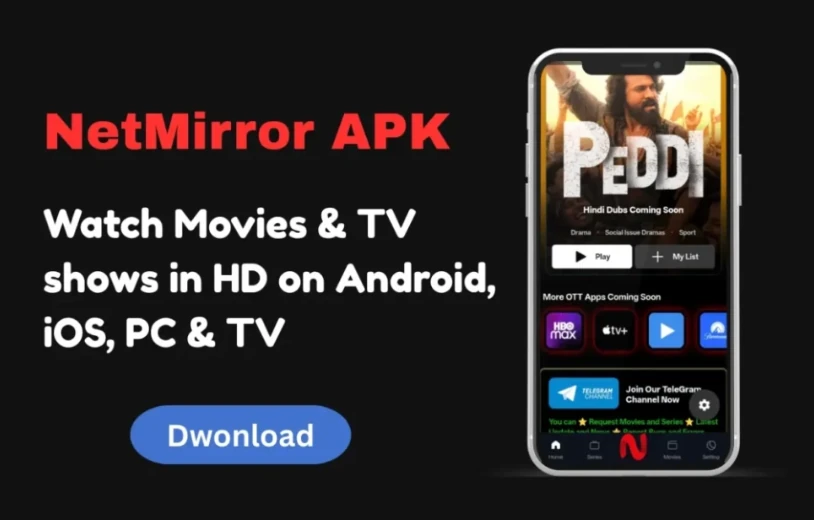
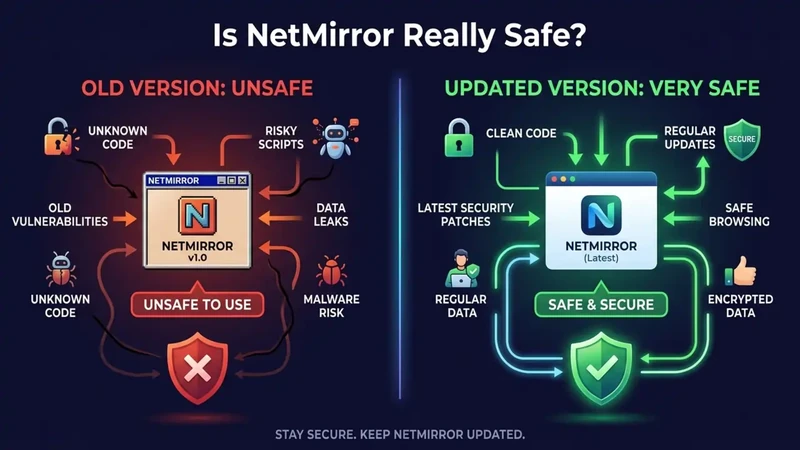
It’s imperative to download the APK only from official channels to mitigate risks. We recommend scanning the APK file with an antivirus program before proceeding with the installation. Additionally, after installing the application, revert the settings to disallow installations from unknown sources to safeguard your device against potential threats.
Frequently Asked Questions (FAQ)
Do I need to register to use the app?
No registration is required to use the Netmirror Extension; simply install and start enjoying the content.
What should I do if the app is lagging?
If you experience lagging, try clearing the app cache or restarting your device. A stable internet connection can also enhance performance.
Does it support tablet devices?
Yes, the Netmirror Extension is compatible with both smartphones and tablets, providing a seamless viewing experience.
Disclaimer
Please note that the Netmirror Extension is a third-party aggregation tool. The copyright for the content belongs to the original authors and content creators. Users engage with this application at their own risk.